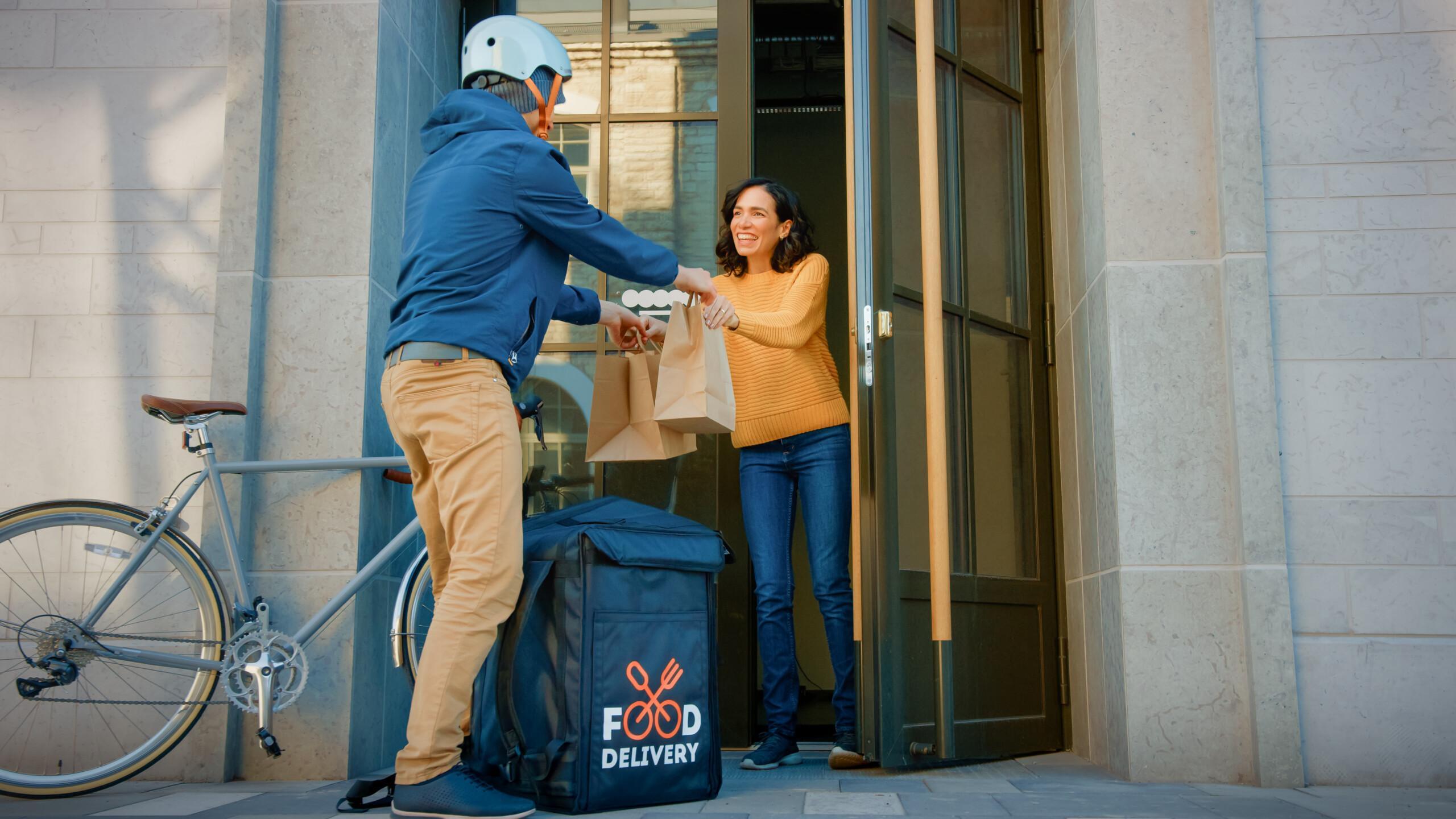
The Delivery Pass (toimituspassi) exam is conducted as a supervised online test. To have your exam accepted, you must complete strong authentication, verify your identity, and follow the exam rules throughout the entire session.
Please read instructions carefully before starting the exam. This will help you avoid the most common issues and complete the exam smoothly on your first attempt.
1. Complete Strong Authentication Before the Exam
The Delivery Pass exam requires strong authentication to log in.
You can authenticate using one of the following methods:
- Online banking credentials
- Mobile certificate (Mobile ID)
- Hightrust.id service
Before the exam day, make sure your chosen authentication method is working and that you have access to the necessary credentials.
2. Be Prepared to Verify Your Identity
Before the exam begins, the supervisor will verify your identity through a video connection.
The following forms of identification are accepted:
- Finnish identity card
- Finnish passport
- Finnish residence permit card
- National identity card issued by an EU or EEA country
- Photo driver’s licence (Finland or another EU/EEA country)
Please note that student cards, employee ID cards, Kela cards, or similar cards are not accepted as proof of identity.
A photograph or copy of an identity document is also not sufficient.
3. Use a Suitable Device and the Zoom Application
The exam is completed on Logimaster’s exam platform under supervision via Zoom. A working internet connection (Wi-Fi is recommended), a camera, and a microphone are required to take the exam.
If you are taking the exam on a phone or tablet, you must install the Zoom application before the exam. The browser version of Zoom is not suitable for taking the exam on mobile devices.
Minimum device requirements:
- iPhone: iOS 15 or later
- iPad: iPadOS 15 or later
- Android: Android 9.0 or later
If you are using a computer, ensure in advance that your internet connection, camera, and microphone are functioning properly.
4. Follow the Rules During the Exam
For supervision purposes, your camera must remain on throughout the entire exam, and you must remain visible on screen at all times.
During the exam, you must not:
- Communicate with other people
- Use AI tools or any external assistance
- Answer phone calls
- Use other applications in a way that interferes with the exam process
- Leave the supervised area without the supervisor’s permission
Any detected cheating will result in the exam being failed.
Pre-Exam Checklist
Before starting the exam, make sure that:
✅ Your online banking credentials, Mobile ID, or Hightrust.id authentication is ready
✅ An approved identity document is within reach
✅ Your device battery is fully charged, or the device is connected to a charger
✅ Your internet connection is reliable
✅ The Zoom application is installed and tested
✅ Your camera is working properly
✅ You are taking the exam in a quiet environment without distractions
When Can the Exam Be Interrupted or Failed?
The exam may be interrupted or failed in situations such as:
- The participant answers a phone call during the exam
- The participant leaves supervision without permission
- The participant uses external assistance or AI tools
- The device battery runs out during the exam
- The participant fails to follow the supervisor’s instructions
For this reason, it is important to complete all technical preparations carefully before starting the exam.
Complete the Delivery Pass Exam Without Unnecessary Interruptions
The Delivery Pass exam is designed to ensure that individuals performing home deliveries of alcoholic beverages understand the legal requirements and know how to act responsibly in different delivery situations. When your authentication, identity verification, and technical setup are in order, you can focus on the exam itself and complete the Delivery Pass successfully and without complications.
➡️ Book your own time here: https://logimaster.com/fi/en/delivery-pass/